To get the most from your massage chair remote, familiarize yourself with its key controls. Look for buttons that select massage modes, target specific areas, and adjust intensity or speed. Most remotes are designed with intuitive layouts, making it easy to switch programs or customize your session. Proper use and maintenance guarantee reliable performance over time. Keep exploring your remote’s features, and you’ll uncover many ways to enhance your relaxation experience.
Key Takeaways
- Familiarize yourself with the remote’s layout to easily access massage modes, intensity, and targeted areas.
- Understand the function of each button, including preset programs and customization options.
- Keep the remote clean and dust-free to maintain responsiveness and visibility of controls.
- Regularly check and replace batteries to ensure consistent operation and avoid interruptions.
- Use ergonomic handling and proper maintenance to extend remote lifespan and enhance user experience.
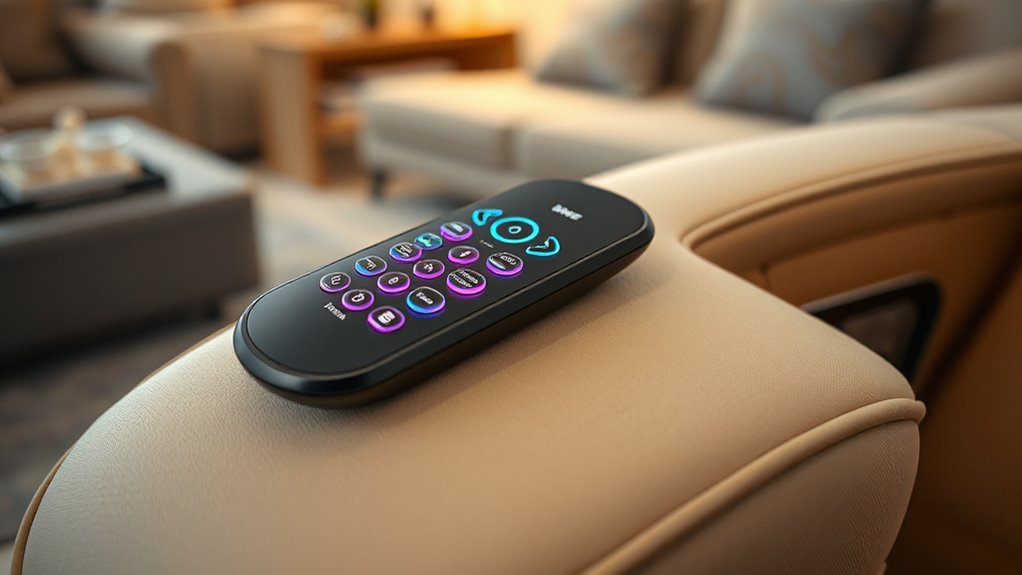
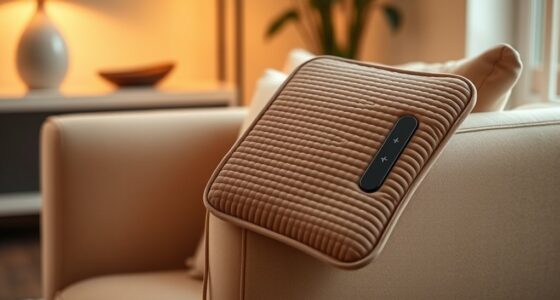
Remote controls are essential for customizing your massage chair experience, giving you quick access to various settings and functions. They serve as the main interface between you and your chair’s features, so understanding how they work and how to maintain them can markedly enhance your comfort and the longevity of your investment. When exploring the remote, you’ll notice that the layout is designed with massage chair ergonomics in mind, ensuring that controls are intuitive and within easy reach. This thoughtful design helps you select programs, adjust intensity, or target specific areas without straining or confusion. Familiarizing yourself with the placement and functions of buttons allows you to switch between modes smoothly, making your relaxation session more enjoyable and efficient.
Keeping your remote in good condition is just as important as understanding its functions. Remote control maintenance involves simple practices like keeping it clean, avoiding spills, and storing it in a safe place away from moisture, extreme temperatures, or direct sunlight. Regularly wipe down the remote with a soft, slightly damp cloth to remove dust and oils that can accumulate from frequent use. This prevents buildup that might interfere with button responsiveness or cause internal damage over time. If your remote uses batteries, check them regularly, and replace them promptly to avoid corrosion or power issues that can disrupt your ability to control your massage chair effectively. Using high-quality batteries and removing them during long periods of disuse can prolong the remote’s lifespan. Additionally, understanding the ergonomics of remote design helps you operate it more comfortably and efficiently.
Keep your remote clean, dry, and battery-maintained for optimal performance and longevity.
Many remote controls feature a variety of buttons for different functions, such as selecting massage modes, adjusting the intensity, or controlling the robot’s movements. Learning what each button does helps you customize your experience easily, whether you prefer a gentle massage or a more vigorous session. Some remotes also include preset programs or memory functions, allowing you to save your preferred settings for quick access later. If your remote has a touch screen, keep it clean and free of smudges to maintain clear visibility and responsiveness. Also, always follow the manufacturer’s instructions for troubleshooting issues, like unresponsive buttons or connectivity problems. Sometimes, a simple reset or replacing the batteries can resolve minor glitches.
In short, mastering your remote control enhances your massage chair experience by making adjustments seamless and effortless. Proper remote control maintenance ensures it continues to function reliably, preserving your ability to enjoy customized, effective massages whenever you need them. When you understand the ergonomics behind the design and keep up with basic care, you’ll find your remote remains a dependable tool that elevates your relaxation routine for years to come.
Frequently Asked Questions
Can I Customize Massage Programs for Individual Needs?
Yes, you can customize massage programs to suit your individual needs. Most massage chairs let you create personalized massages by adjusting settings like intensity, target areas, and massage styles. Program customization allows you to tailor your experience, ensuring maximum comfort and relief. Simply access the control panel or remote, select the personalization options, and save your preferred settings for easy access whenever you want a personalized massage.
Are There Child-Proof Safety Features on Remote Controls?
Yes, many massage chair remotes include child safety features for remote protection. These safety features often lock certain controls or require a specific code to prevent kids from accidentally activating or changing settings. You should check your remote for a lock button or safety mode to guarantee child safety. Activating these features helps keep the remote protected and prevents unintended adjustments, giving you peace of mind when children are around.
How Long Do the Batteries Last in Wireless Remotes?
Ever wondered how long your wireless remote’s batteries last? Typically, the battery lifespan depends on usage and the type of batteries you use. On average, you’ll get several months before needing to replace them. Regular remote maintenance, like turning it off when not in use and removing batteries if unused for long periods, can extend its life. Keep an eye on power levels to avoid sudden interruptions during your massage sessions.
Is It Possible to Connect the Remote to a Smartphone App?
Yes, you can connect your massage chair remote to a smartphone app via Bluetooth connectivity. Many modern chairs feature app integration, allowing you to control settings conveniently from your phone. To do this, enable Bluetooth on your device, follow the instructions in your chair’s user manual, and pair your remote with the app. This offers easier customization and access to advanced features, enhancing your massage experience.
What Should I Do if the Remote Control Stops Working?
If your remote control stops working, don’t panic—about 80% of issues are due to battery problems. First, try remote troubleshooting by replacing the batteries with fresh ones. If that doesn’t work, check for any visible damage or loose connections. Sometimes, a simple battery replacement restores functionality quickly. Keep a set of spare batteries nearby to avoid interruptions and guarantee your massage sessions stay smooth.
Conclusion
Now that you’re familiar with your massage chair’s controls, you’re ready to relax like never before. Think of the remote as your personal gateway to comfort—unlocking soothing waves of relief at your fingertips. With just a few presses, you transform a simple seat into a sanctuary of calm. So go ahead, explore those buttons, and let your massage chair become your favorite escape—because comfort is just a remote away.